Day 15 : Python Libraries for DevOps

- As a DevOps Engineer, you should be able to parse files, be it txt, json, yaml, etc.
JSON (JavaScript Object Notation) and YAML (YAML Ain’t Markup Language) are both commonly used formats for storing and exchanging data in Python.
JSON is a lightweight data-interchange format that is easy for humans to read and write and easy for machines to parse and generate.JSON is a text format that is completely language-independent but uses conventions that are familiar to programmers of the C family of languages, including C, C++, C#, Java, JavaScript, Perl, Python, etc. These properties make JSON an ideal data-interchange language.
YAML, on the other hand, is a human-readable data serialization format. It is often used for configuration files and data exchange between languages that have different data structures. YAML is a superset of JSON and can be used to represent complex data structures such as lists and dictionaries. It is also less verbose than JSON, making it easier to read and write.
Both JSON and YAML can be easily read and written in Python using built-in libraries such as json and yaml. For example, to read a JSON file in Python, you can use the json.load() method, and to write a JSON file, you can use the json.dump() method. Similarly, to read a YAML file in Python, you can use the yaml.load() method, and to write a YAML file, you can use the yaml.dump() method.
In summary, both JSON and YAML are popular formats for storing and exchanging data in Python. JSON is a lightweight, easy-to-parse data interchange format, while YAML is a human-readable data serialization format that is often used for configuration files. Both can be easily read and written in Python using built-in libraries.
Tasks
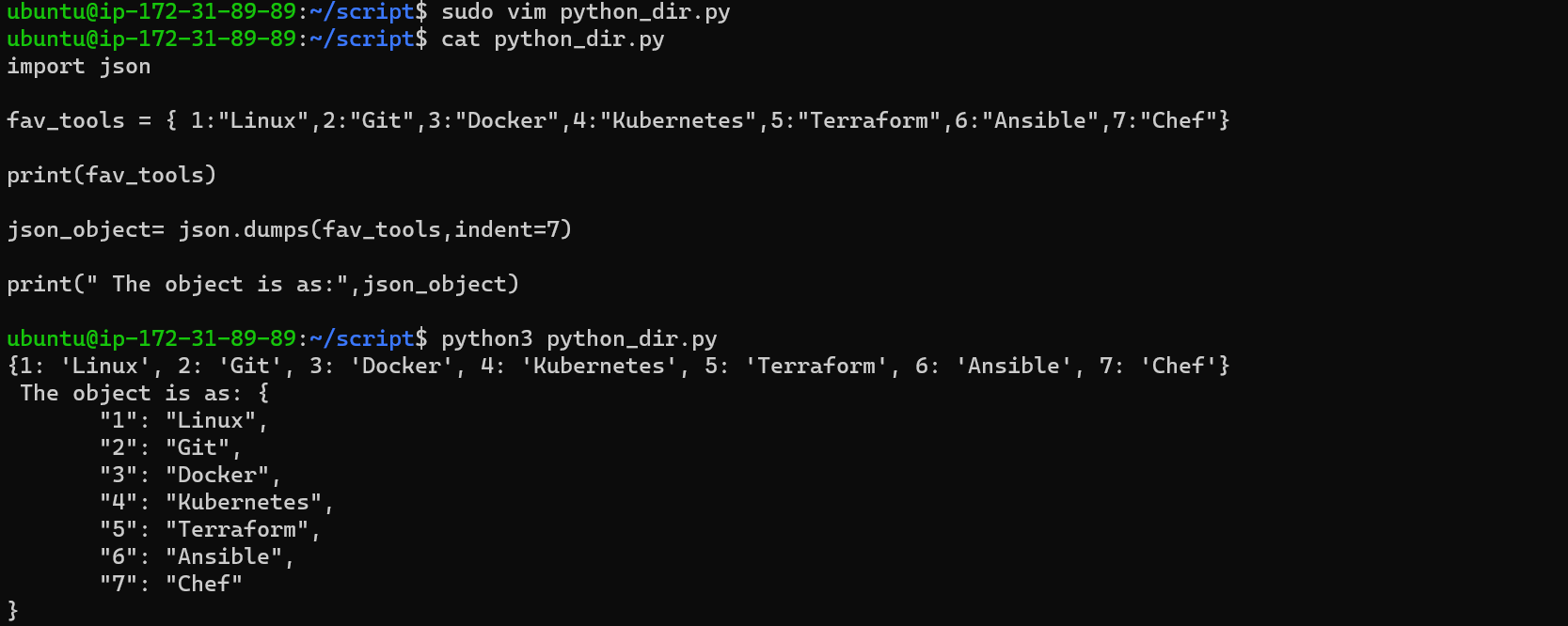
Create a Dictionary in Python and write it to a JSON File.
Read a json file
services.jsonkept in this folder and print the service names of every cloud service provider.
output

aws : ec2
azure : VM
gcp : compute engine
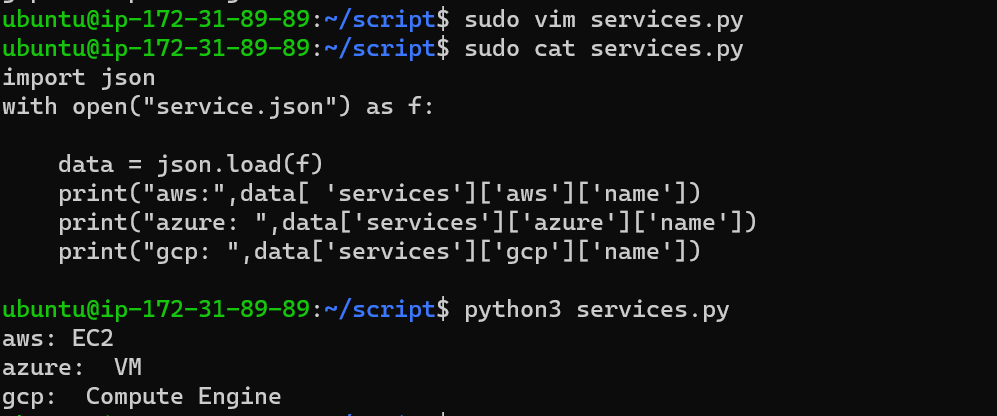
we have used the open() function to read the JSON file. Then, the file is parsed using json.load() method which gives a dictionary named json_data.
Then just print the json_data [From the output can see].
Read YAML file using python, file
services.yamland read the contents to convert yaml to json.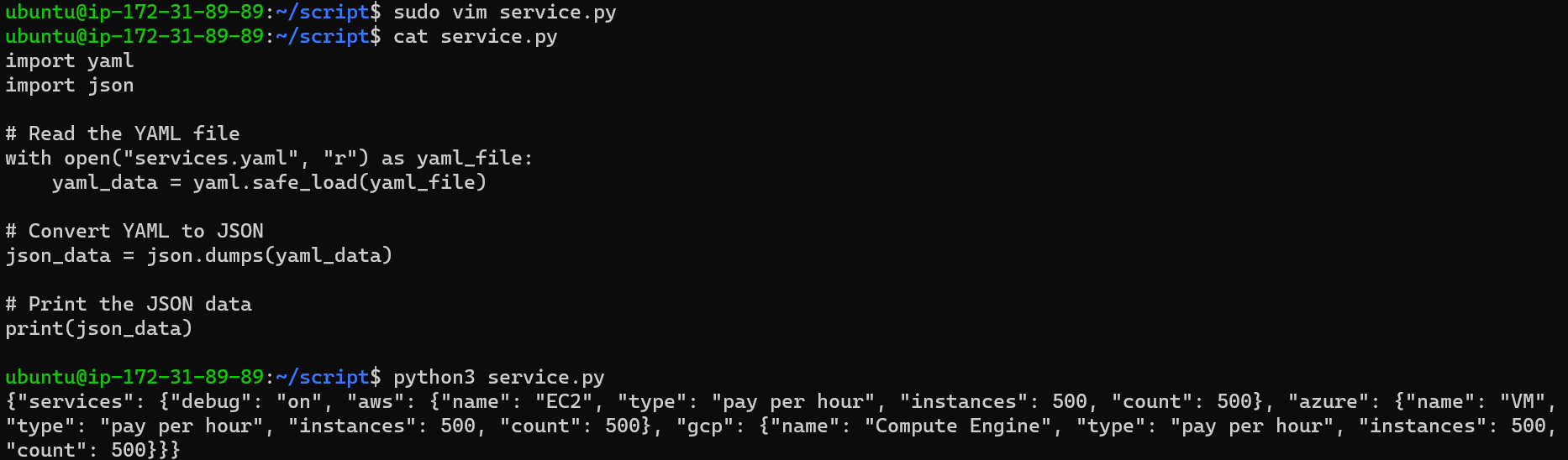
In this example, we first open the
services.yamlfile in read mode ("r") usingopen(). We then useyaml.safe_load()from thepyyamlmodule to load the YAML data from the file into theyaml_datavariable.Next, we convert the
yaml_datato JSON format usingjson.dumps(), which returns a JSON-formatted string representation of the data.Finally, we print the
json_data, which contains the converted JSON data.Thanks for reading this article...


